

Global client certificates and per-certificate enable/disable are available in Bruno v4.1.0+.
Try it out
Explore the client-cert-badssl sample collection to practice custom CA trust and client certificates against badssl.com:Custom CA certificate
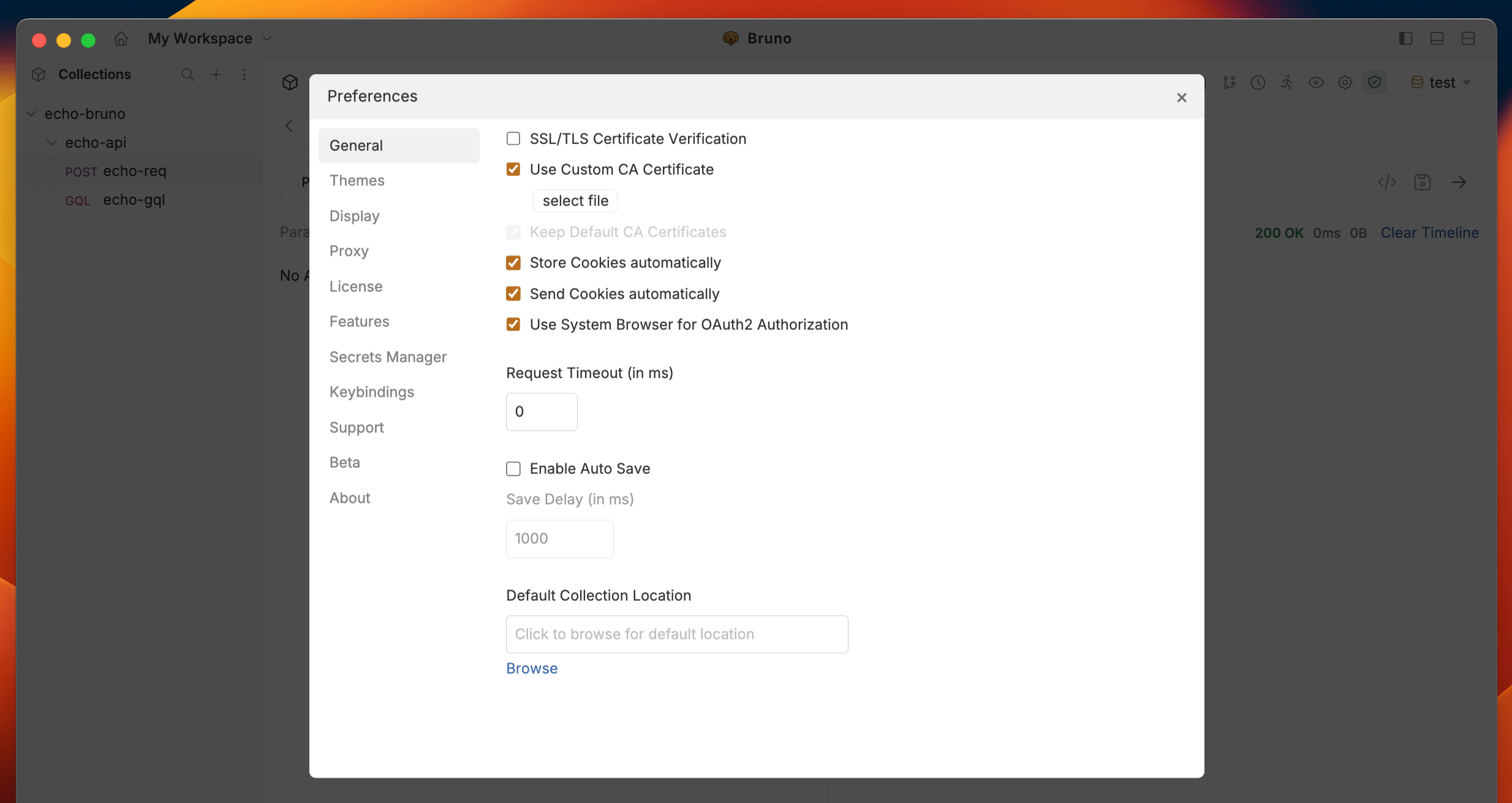
- Open Preferences → General.
- Enable Use Custom CA Certificate.
- Upload your CA file (for example a
.pem).
Client certificates
Bruno resolves client certificates from two places:
Global certificates are inherited by default. You configure them once and reuse them across many collections. Collection certificates still work the same way as before for collection specific overrides.
Resolution and precedence
When Bruno sends a request, it matches certificates by domain using first-match behavior across HTTPS, gRPC, and WebSocket. Rules:- Only enabled certificates are considered.
- Disabled certificates are skipped entirely (configuration is preserved).
- For the same domain, an enabled collection certificate takes precedence over an enabled global certificate.
- Certificates supplied to the CLI via
--client-cert-configare appended after collection certificates and use the same first-match-by-domain behavior, so collection certificates still win for matching domains.
Enable or disable a certificate
Every global and collection certificate has its own enable/disable switch and is enabled by default. Disable a certificate when you want to:- Temporarily swap certificates
- Debug a certificate configuration
- Test a request with a specific certificate turned off
- Preserve the configuration for later without deleting it
Add a global client certificate
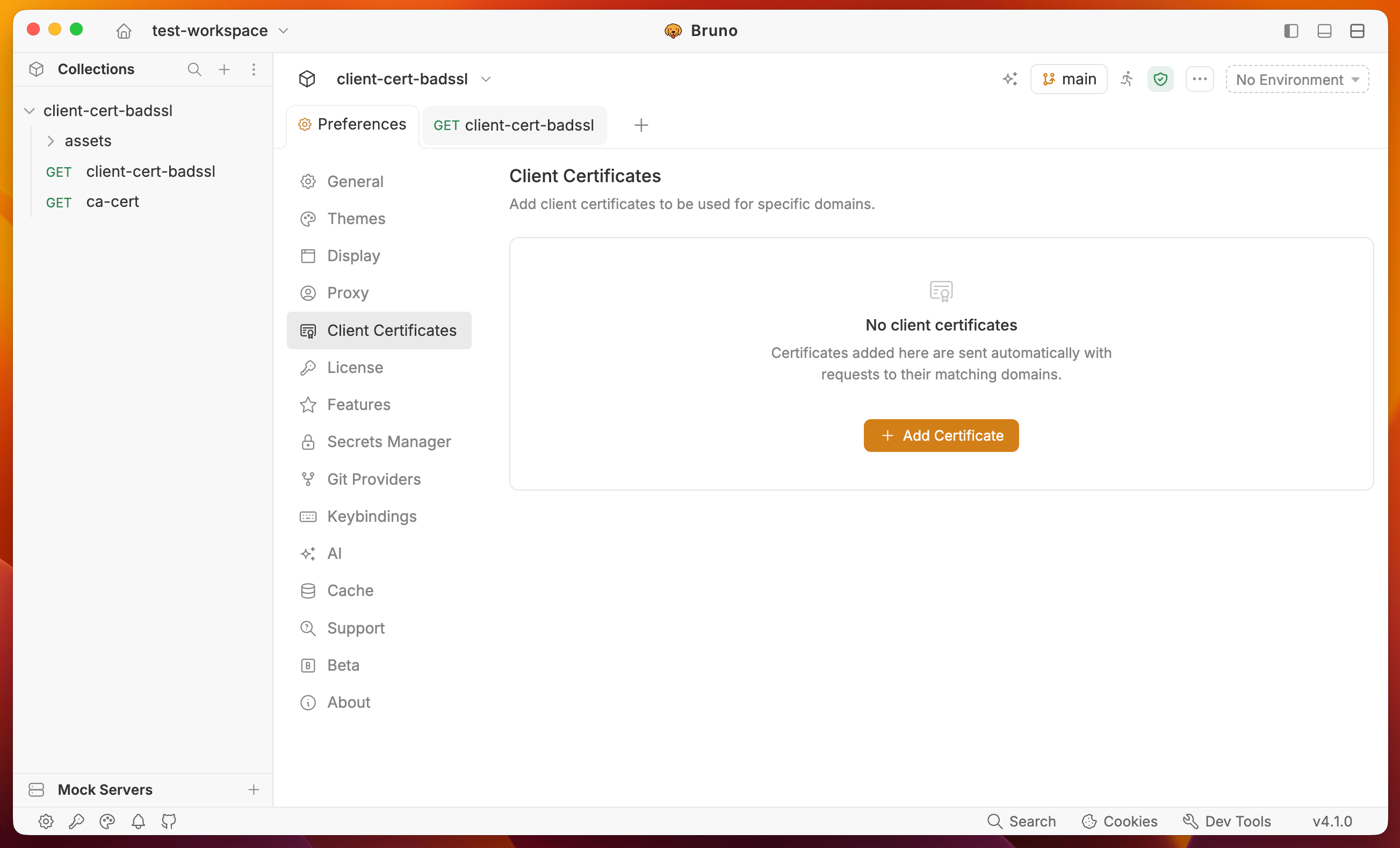
- Open Preferences → Client Certificates.
- Click + Add Certificate.
- Enter the Domain (for example
client.badssl.comor*.internal.example.com). - Choose the type (Cert & Key or PFX).
- Select the certificate file(s)
- Enter a passphrase if required.
- Save. The certificate is enabled by default and available to all collections.
Add a collection client certificate
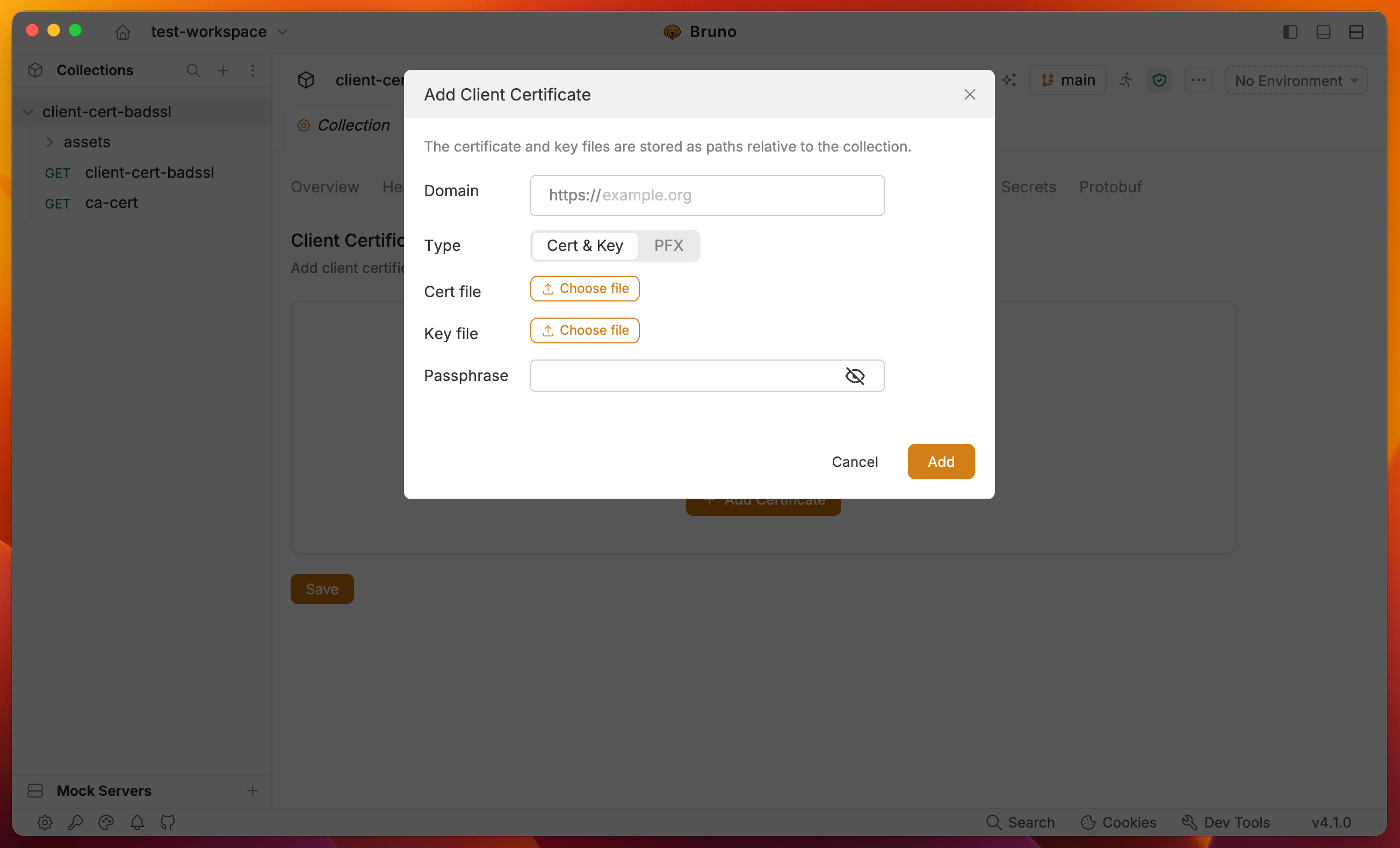
- Open the collection → Collection Settings → Client Certificates.
- Click + Add Certificate.
- Enter the Domain.
- Choose Cert & Key or PFX.
- Select the certificate file(s). Paths are stored relative to the collection.
- Enter a passphrase if required (supports
{{variable}}interpolation). - Save, then send a request to a matching host.
Using client certificates with Bruno CLI
The CLI does not read the global Preferences store. In CI, pass certificates with the existing--client-cert-config flag (same shape as before v4.1.0).
- Collection certificates from the collection file are loaded and honor the per-certificate
disabledfield. - Certificates from
--client-cert-configare appended after collection certificates. - Matching uses the same first-match-by-domain rules, so collection certificates take precedence for overlapping domains.